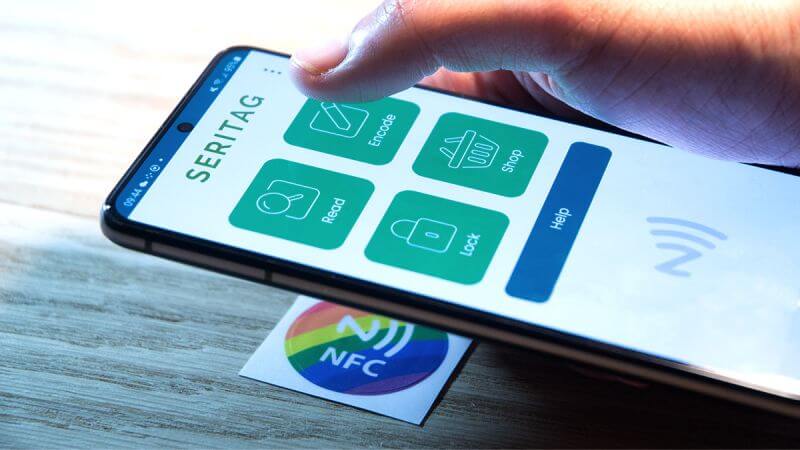
Last month, a warehouse operations manager asked me a straightforward question: “Can we just use employees’ smartphones instead of issuing RFID badges? It would save us thousands in hardware costs.”
It’s a fair question. If smartphones can truly function as RFID tags, companies could reduce hardware investments while gaining deployment flexibility. But the answer isn’t simply “yes” or “no”—it depends entirely on your application requirements and technical constraints.
The Technical Reality: What Your Phone’s NFC Chip Can Actually Do
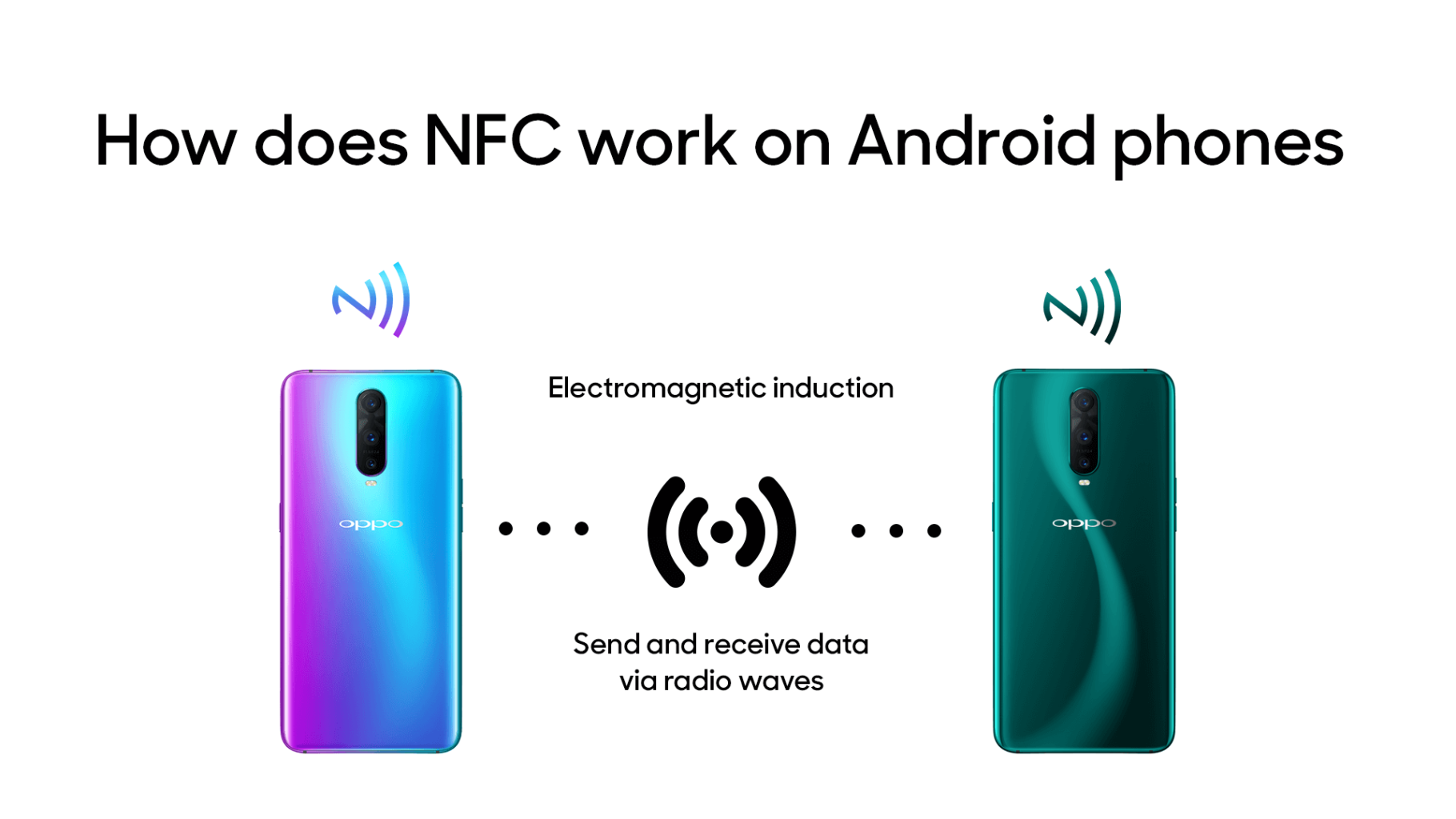
Most modern Android devices come equipped with an NFC (Near Field Communication) chip, which operates at 13.56MHz—the same frequency used by high-frequency RFID systems. This means your phone can potentially:
- Read NFC/RFID tags (access cards, transit passes, product labels)
- Store and transmit data through compatible apps
- Emulate cards using HCE (Host Card Emulation) technology
Here’s the catch: The metal shielding and circuit boards inside smartphones create electromagnetic interference that limits practical read range to just 2-4 centimeters. Compare that to dedicated UHF RFID systems that can read tags from several meters away.
Step-by-Step: Turning Your Android Into an RFID Tag
Step 1: Verify Hardware Compatibility
Navigate to Settings → Connected Devices → Connection Preferences → NFC. If the option doesn’t exist, your device lacks NFC capability.
Step 2: Choose Your Emulation Tool
Several apps enable tag emulation:
- NFC Tools — Free, supports reading/writing various tag types
- NFC Card Emulator Pro — Advanced card cloning (requires root access)
- TagWriter by NXP — Ideal for batch data encoding
Step 3: Configure and Test
For access card emulation:
- Read the original card’s UID and data using NFC Tools
- Write this data to your phone’s NFC profile
- Test against your existing reader
Professional tip: Many enterprise systems use encrypted protocols like Mifare DESFire. Phone-based emulation often fails authentication checks on these secured systems. Always conduct compatibility testing before full deployment.
Where Phone-Based RFID Actually Works
Ideal Applications
Visitor Management
Instead of printing temporary badges, send digital passes directly to visitors’ phones. One tech campus reduced check-in time by 60% using this approach.
Employee Time Tracking
Combined with HCE, employees can clock in using their personal devices—provided your time-clock hardware supports 13.56MHz NFC protocols (not legacy 125kHz systems).
Event Check-In
Attendees tap their phones against NFC readers for instant registration with real-time data sync to your event management platform.
Poor Fit Scenarios
High-Security Access Control
Phone-emulated tags typically lack hardware-level encryption required for banks, data centers, or government facilities.
Long-Range Identification
Logistics, warehouse inventory, and asset tracking often require UHF RFID with multi-meter read distances—far beyond what smartphone NFC can achieve.
Harsh Environments
In manufacturing plants or outdoor logistics, phones are vulnerable to damage, battery depletion, and environmental interference. Industrial-grade RFID tags—including anti-metal and high-temperature variants—offer far greater reliability.
Cost Comparison: Phone Emulation vs. Dedicated Tags
| Solution | Initial Cost | Durability | Best For |
|---|---|---|---|
| Phone NFC Emulation | Near zero (app-only) | Dependent on device lifecycle | Pilot projects, temporary access |
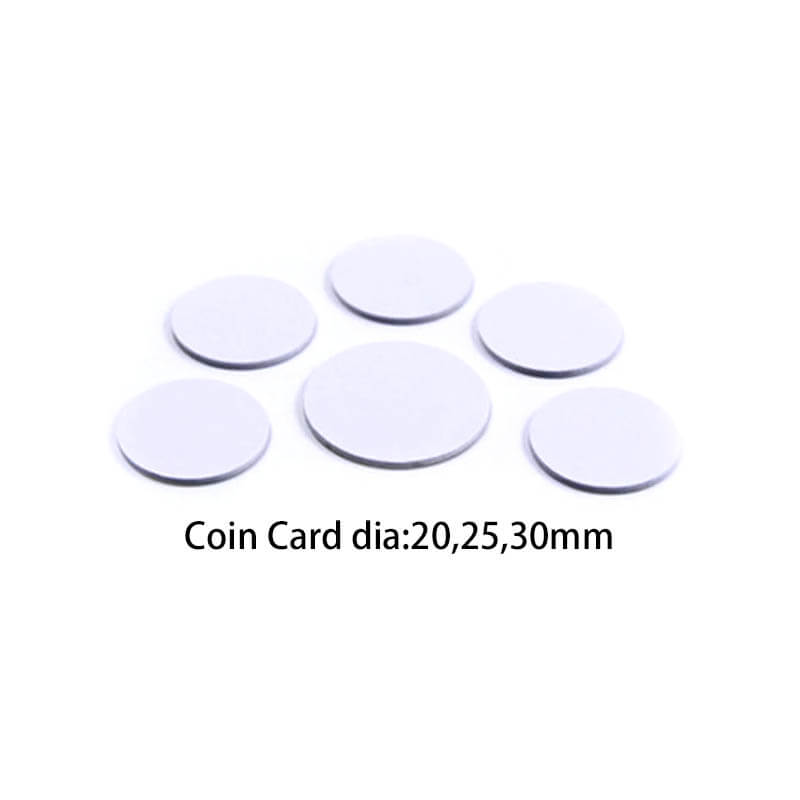
| Custom RFID Cards | $0.30–$1.50 each | 3–5 years | Mid-size enterprise deployments |
| Industrial RFID Tags | $1–$8 each | Extreme conditions | Supply chain, manufacturing |
My recommendation for system integrators: Use phone-based emulation for proof-of-concept testing. Once you’ve validated the approach, transition to purpose-built tags for production deployment. This strategy dramatically reduces your client’s decision-making risk.
Technical Challenges and Solutions
Challenge 1: Metal Interference
Internal phone components generate eddy currents that weaken NFC signals. Solutions include:
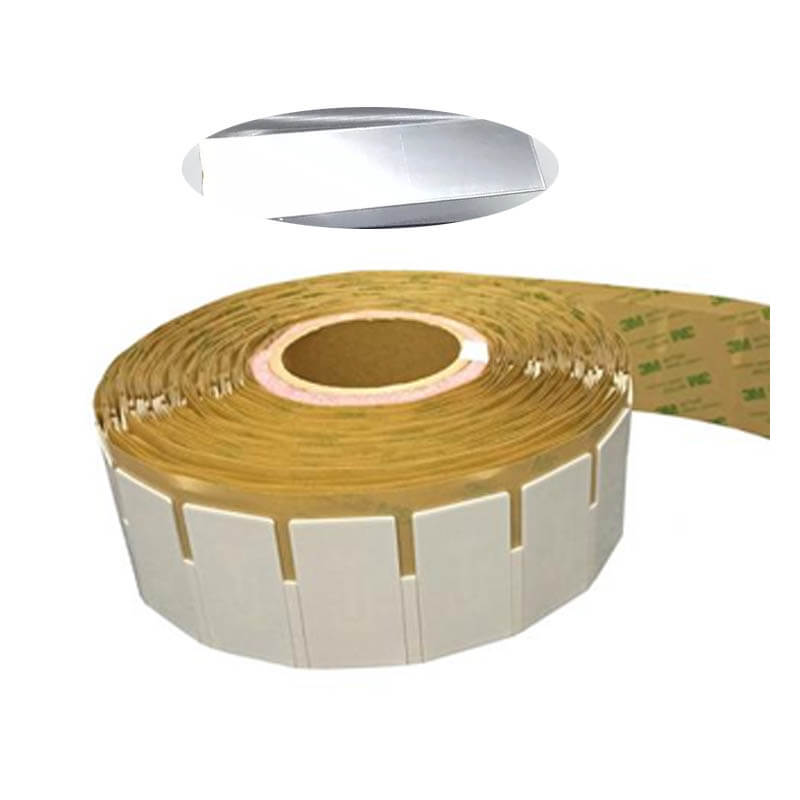
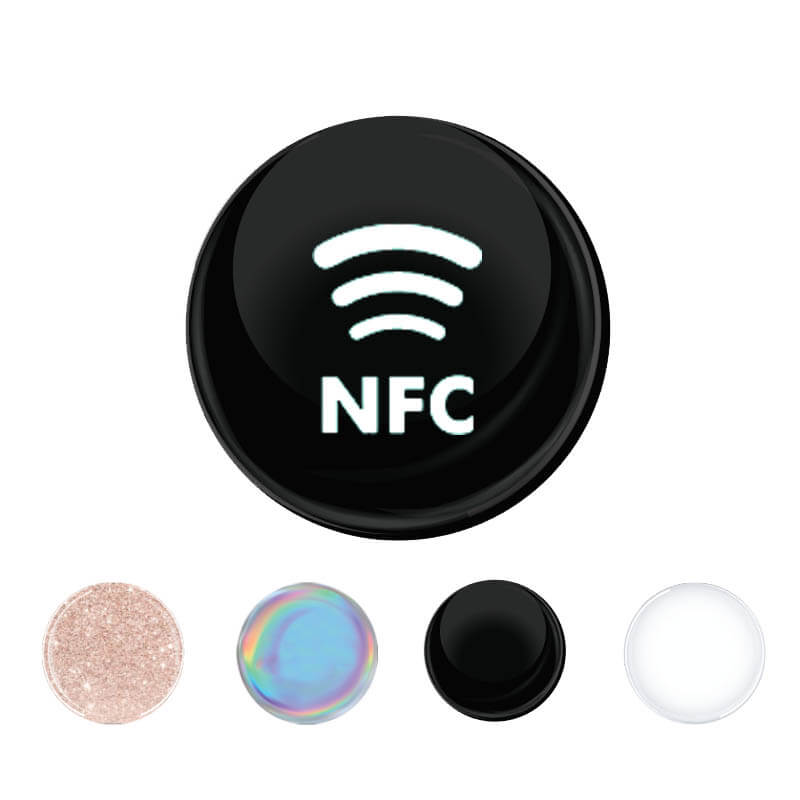
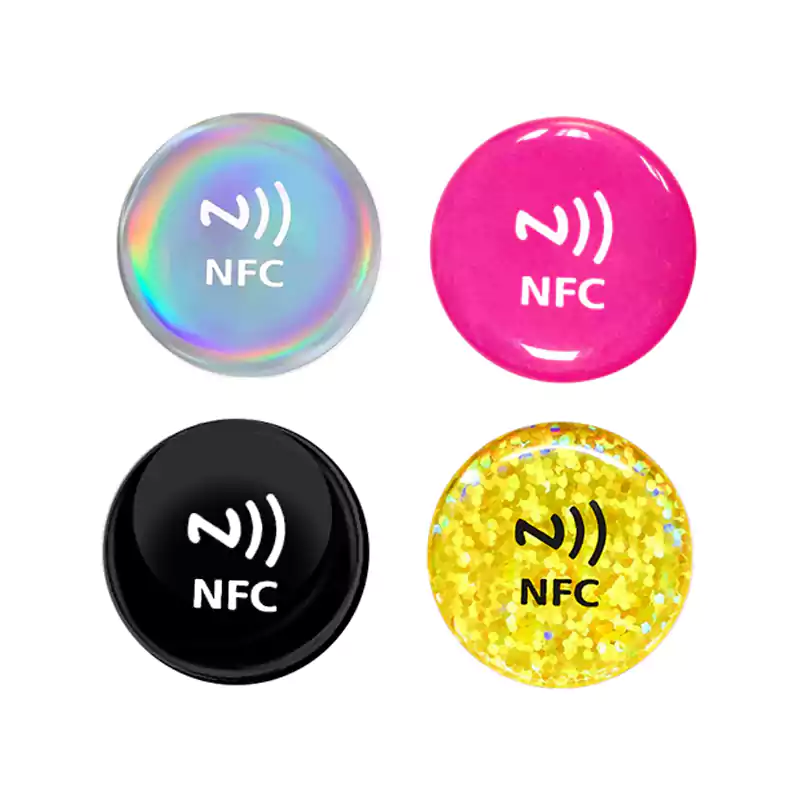
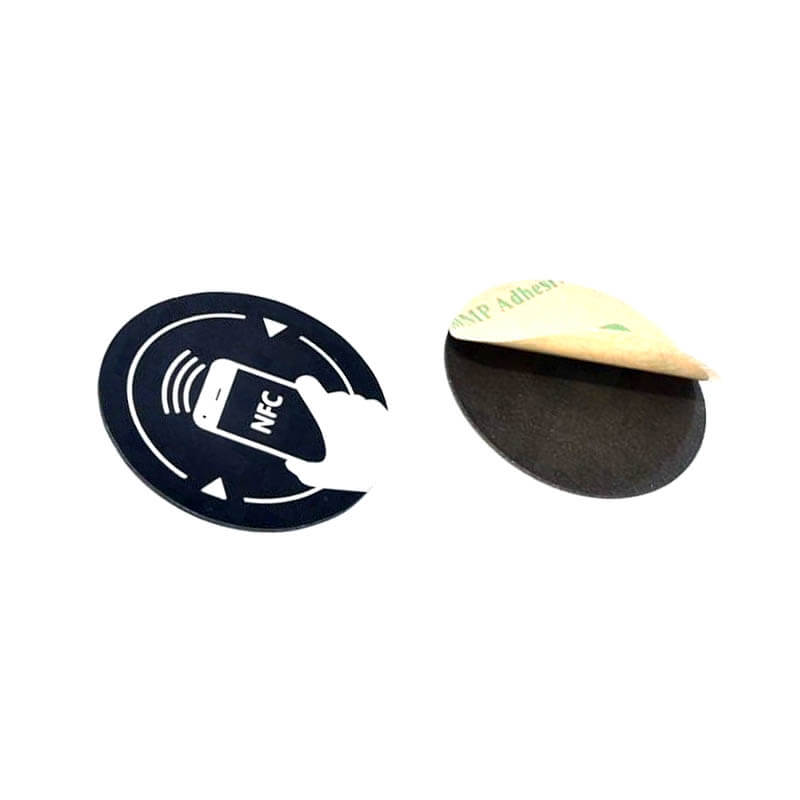
- Attaching anti-metal NFC stickers (with ferrite shielding layers) to phone backs
- Repositioning reader antennas to avoid phone metal components
Challenge 2: Device Fragmentation
Some manufacturers restrict card emulation to their proprietary wallet apps. Best practices:
- Target Android 4.4+ devices with verified HCE support
- Request compatibility test reports from your RFID solution provider
Challenge 3: Security Vulnerabilities
Lost or compromised phones expose virtual credentials. Mitigation strategies:
- Enforce biometric or PIN authentication before NFC access
- Implement dynamic encryption protocols (AES-128 or higher)
- Establish credential rotation policies
The Bottom Line: Will Phones Replace RFID Tags?
Not anytime soon. Three factors ensure dedicated tags remain essential:
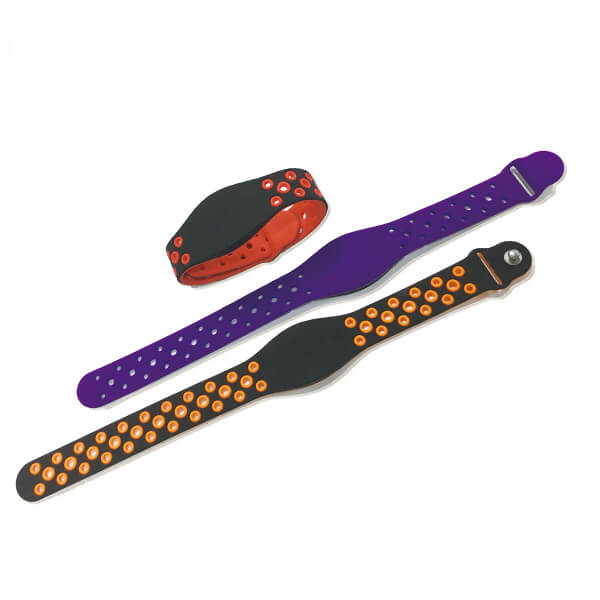
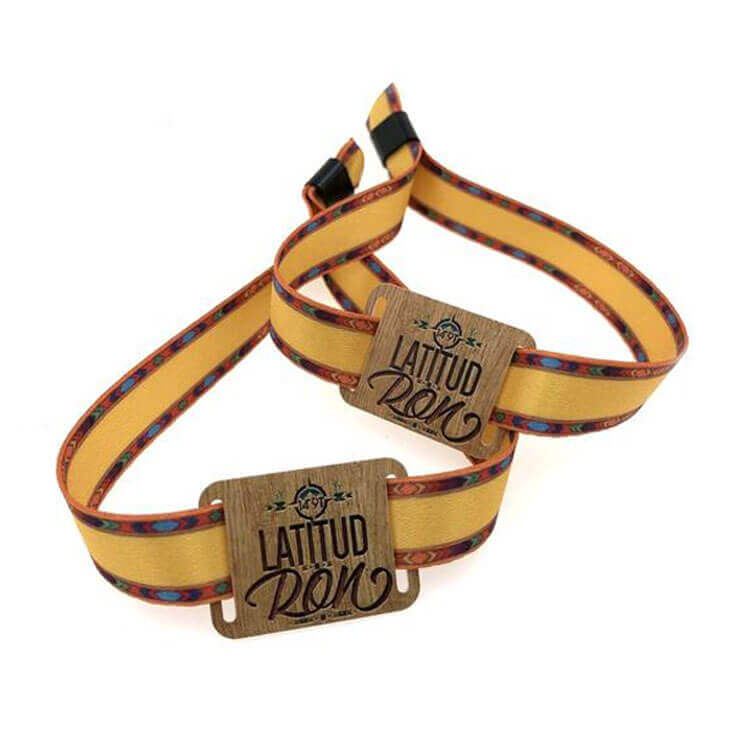
- Specialized Form Factors — Industries like healthcare, livestock, and logistics require tags in formats impossible for phones: ear tags, wristbands, implantables, and harsh-environment enclosures.
- Economics at Scale — Bulk RFID tags cost pennies per unit. Requiring every worker to carry a smartphone is far more expensive.
- Reliability — Dedicated tags don’t run out of battery, crash, or get left at home.
That said, smartphone NFC is rapidly expanding in retail marketing, smart city infrastructure, and personal identity verification. For system integrators, mastering this technology enables you to offer clients flexible hybrid solutions that combine the best of both worlds.
Your Next Steps
If you’re evaluating phone-based NFC for your organization:
- Run compatibility tests across multiple device brands against your existing infrastructure
- Consult with specialists — manufacturers like us provide customized technical assessments
- Maintain backup options — even with phone-first strategies, keep physical cards available for contingencies
Questions? Drop them in the comments or reach out for a complimentary technical consultation. We’ve supported hundreds of enterprise deployments and can help you avoid common implementation pitfalls.