You’re waiting at a bus stop, scrolling through your phone, when suddenly a notification appears: “NFC Tag Detected.” You didn’t tap anything. You didn’t ask for this. And now you’re wondering if someone just tried to hack your phone.
Take a breath. You’re not alone—and in most cases, you’re perfectly fine.
That mysterious notification is simply your smartphone doing its job. But understanding why it appears—and when you should actually be concerned—can save you from both unnecessary panic and genuine security risks.
What Does “NFC Tag Detected” Actually Mean?
NFC stands for Near Field Communication, a wireless technology that allows two devices to exchange data when they’re extremely close together—typically within 2 inches (about 5 centimeters) of each other.
When your phone displays “NFC Tag Detected,” it means something with an embedded NFC chip came within that razor-thin detection range. Your phone’s antenna picked up the signal and is alerting you.
Think of it like a digital handshake. Your phone is saying: “Hey, something nearby wants to communicate. Want to respond?”
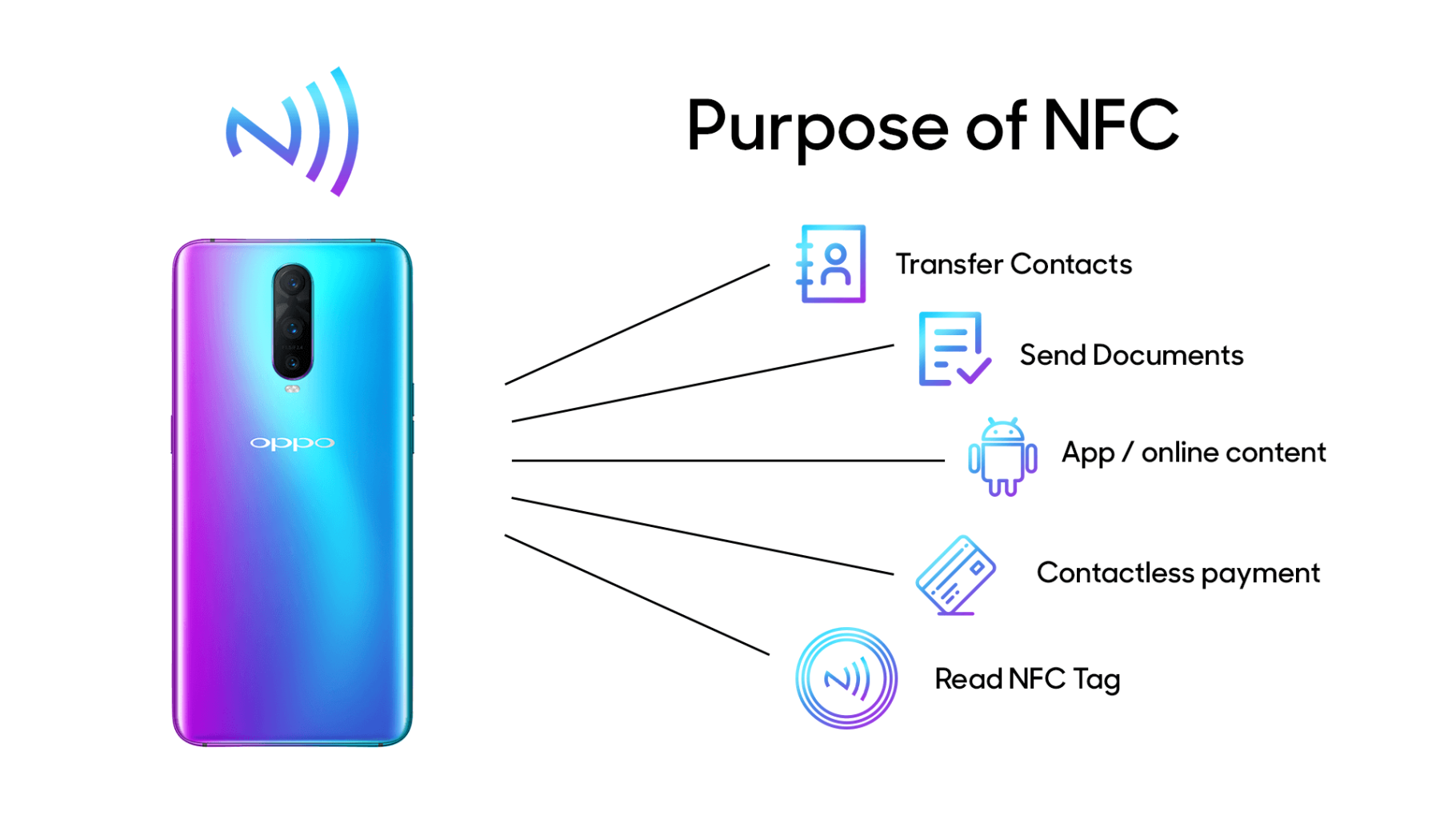
The technology operates at 13.56 MHz and has become an international standard (ISO 18092). It’s the same tech that powers:
- Contactless payments (Apple Pay, Google Pay)
- Transit cards and building access badges
- Smart product tags in retail stores
- Digital business cards and marketing materials
The 5 Most Common Triggers (And Why They’re Usually Harmless)
Before you assume the worst, let’s walk through what’s probably setting off your phone.
1. Your Own Credit or Debit Card
This is the #1 culprit. If your wallet is in the same pocket as your phone—or you’re holding both in one hand—your contactless payment card can trigger the notification.
Modern debit and credit cards contain NFC chips for tap-to-pay functionality. Your phone doesn’t know the difference between your card and a stranger’s NFC tag. It just detects the signal.
Quick fix: Separate your phone and wallet, or use an RFID-blocking sleeve for your cards.
2. Someone Else’s AirTag (Or Similar Tracker)
Apple’s AirTag and competing products like Tile use a combination of Bluetooth and NFC. When an AirTag is in “Lost Mode,” tapping it with your phone reveals the owner’s contact information.
If you’re in a crowded space—a coffee shop, train, or airport—you might accidentally come within range of someone’s lost item tracker attached to their luggage or keys.
What to do: If you see an AirTag notification, you can tap to view owner details. Apple has built-in anti-stalking protections that will alert you if an unknown AirTag seems to be traveling with you.
3. NFC Advertisements in Public Spaces
Here’s where things get interesting—and where you should start paying closer attention.
Many bus stops, retail displays, and event posters now include embedded NFC tags designed to trigger your phone when you walk by. These are legitimate marketing tools that can:
- Open a website
- Launch a promotional video
- Trigger an App Clip (more on this below)
The technology is intentional. Brands embed these tags to create “phygital” experiences that bridge physical advertising with digital engagement.
The concern: You didn’t consent to this interaction. While most NFC advertisements are harmless, they represent a gray area in consumer privacy.
4. App Clips on iPhone
If you’re an iPhone user, you might see a small card pop up at the bottom of your screen instead of a standard notification. This is an App Clip—a lightweight mini-app that runs without requiring a full download.
Retailers, restaurants, and parking meters use App Clips to let you:
- Order food without downloading their full app
- Rent a scooter or bike
- Pay for parking
Apple designed App Clips to be convenient, but they can feel intrusive if you didn’t expect them.
How to limit this: Go to Settings → Screen Time → Content & Privacy Restrictions → Allowed Apps and toggle off “App Clips” if you want to prevent automatic triggering.
5. Your Hotel Key Card or Work Badge
Access cards for hotels, offices, and gyms often use NFC or RFID technology. If you store these in your phone case or carry them loose in a pocket, they’ll occasionally trigger detection alerts.
Simple solution: Keep access cards in a separate compartment from your phone.
When “NFC Tag Detected” Becomes a Red Flag
Now let’s talk about the scenarios where you should be cautious.
The Real Risk: Unknown Links
Here’s what security experts want you to remember: Anyone can create an NFC tag.
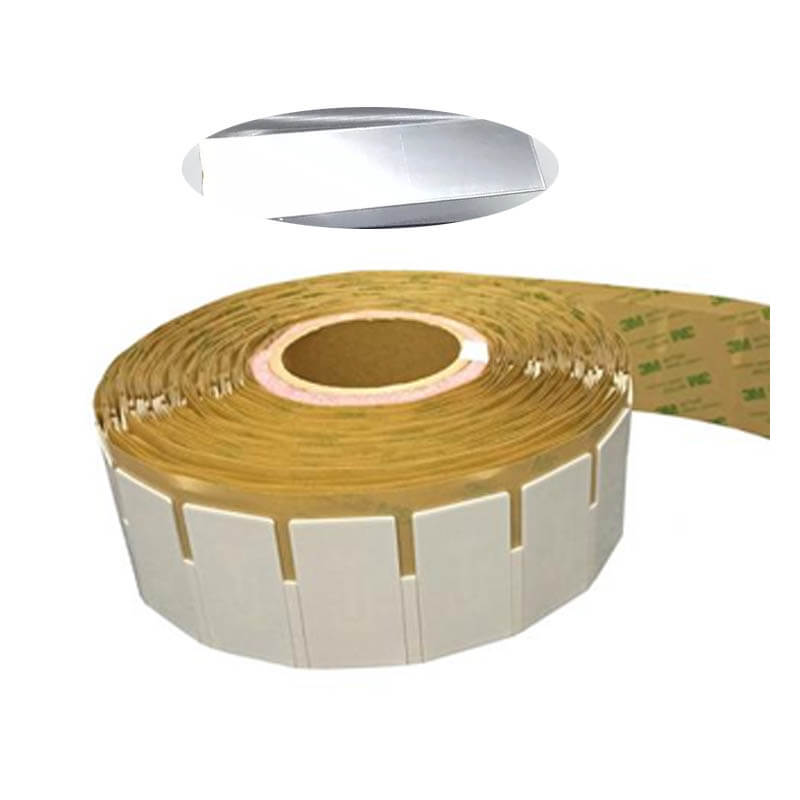
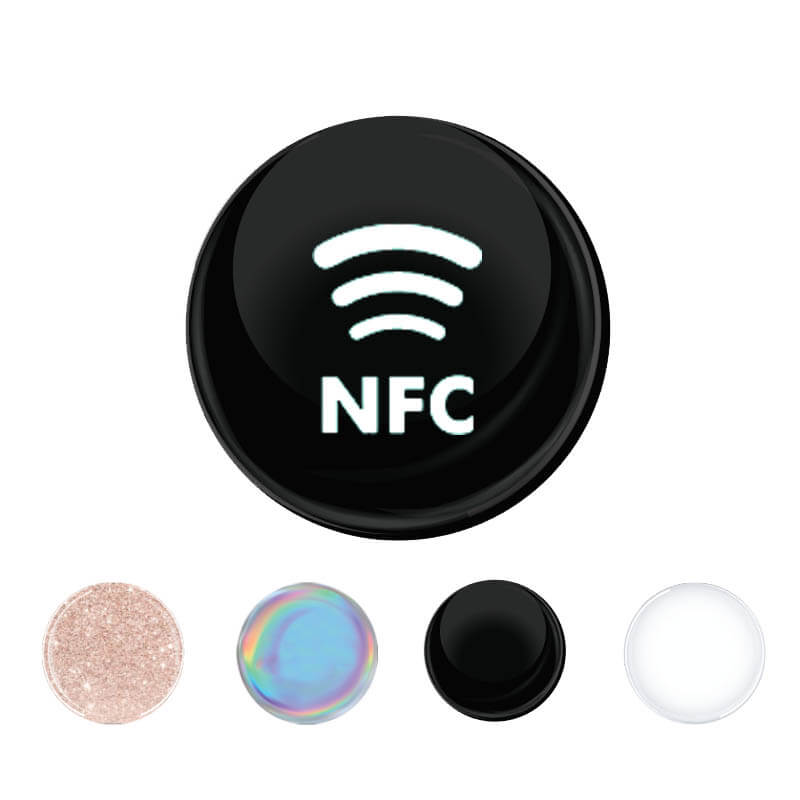
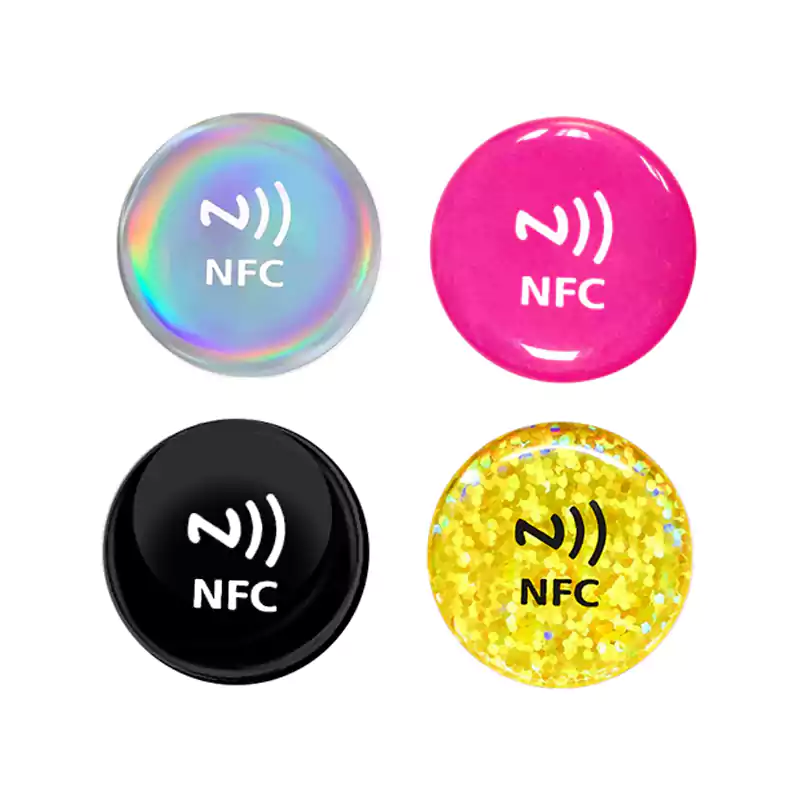
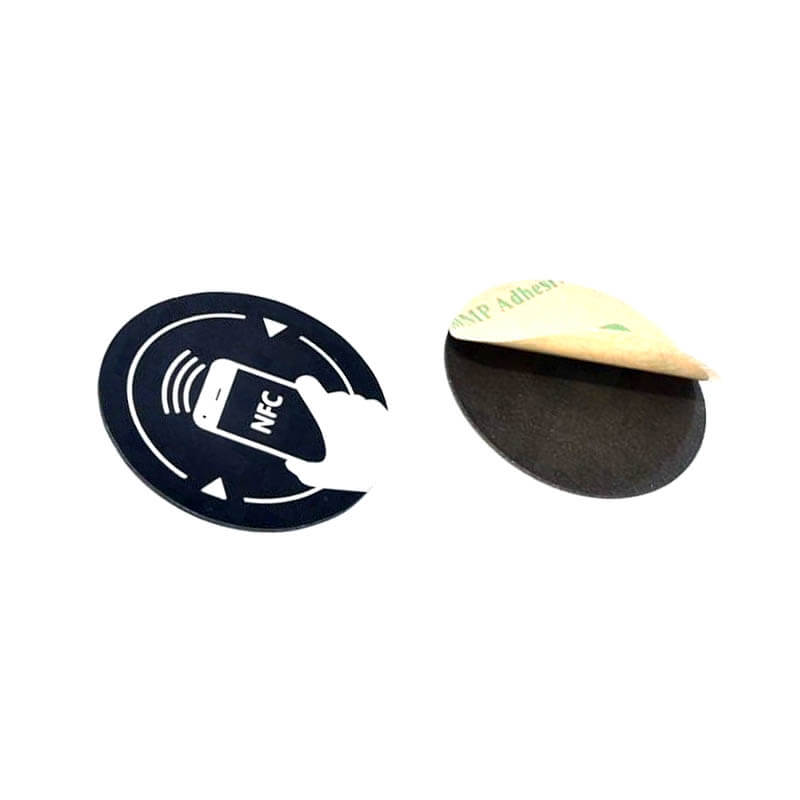
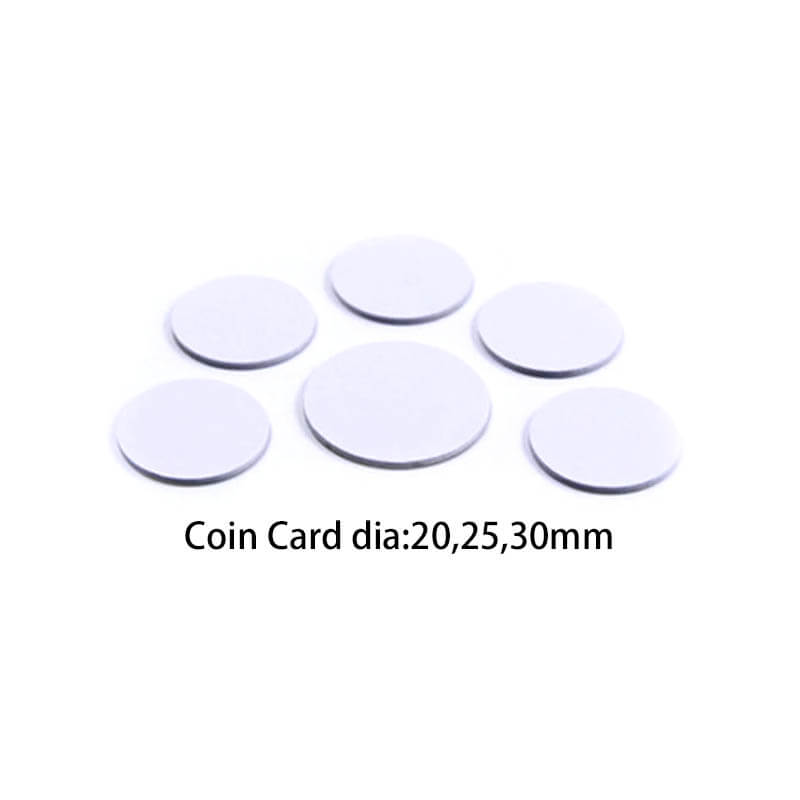
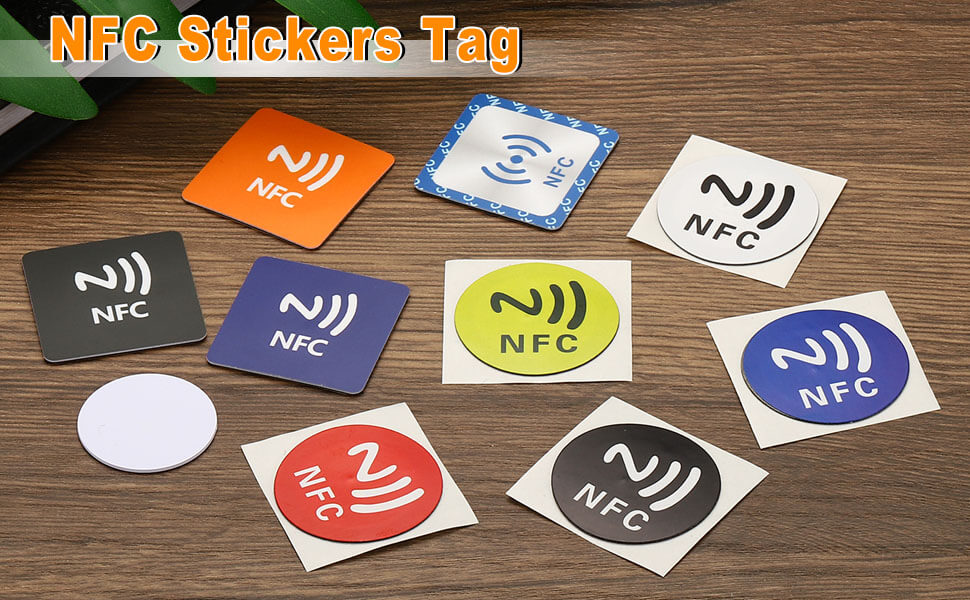
A programmer can purchase blank NFC stickers for less than $1 each and encode them to open any URL. When your phone detects one of these tags, it might prompt you to visit a website you’ve never heard of.
This is where scammers operate.
A malicious tag could redirect you to:
- A phishing site that mimics your bank
- A page that attempts to install malware
- A fake login screen designed to steal credentials
The good news? NFC requires extremely close proximity to work. A scammer would need to place a tag somewhere you’re likely to tap your phone—like on a payment terminal, ATM, or public advertisement—or get within inches of your device.
How to Protect Yourself
1. Never tap “Open” on unfamiliar links.
If your phone detects a tag and displays a URL you don’t recognize, dismiss the notification. Legitimate businesses will have branded, recognizable domains.
2. Verify before you trust.
If an NFC tag at a store or restaurant seems suspicious, ask a staff member. Scammers have been known to place fake NFC stickers over legitimate ones on payment terminals.
3. Disable NFC when you don’t need it (Android).
On Android devices, you have full control. Go to Settings → Connected Devices → Connection Preferences → NFC and toggle it off.
Unfortunately, iPhones don’t allow users to disable NFC entirely—it’s always active for features like Apple Pay.
4. Use Content Restrictions on iPhone.
While you can’t turn off NFC on an iPhone, you can limit what it does. Restricting App Clips (as mentioned above) reduces the surface area for unwanted interactions.
5. Watch for “too-good-to-be-true” offers.
An NFC tag promising a free gift card, discount code, or prize is a classic social engineering tactic. Treat it with the same skepticism you’d apply to a suspicious email.
Should You Turn Off NFC Completely?
Honestly? Probably not.
The convenience of NFC—contactless payments, quick pairing, smart home control—outweighs the relatively small risk of encountering a malicious tag. The technology’s 2-inch range makes large-scale attacks impractical.
But awareness matters. Now that you understand what triggers the “NFC Tag Detected” notification, you can make informed decisions about when to engage and when to ignore.
My professional advice: Keep NFC enabled, but treat every unknown tag like an unsolicited email. If you didn’t ask for it and don’t recognize it, don’t interact with it.
Quick Reference: NFC Detection Cheat Sheet
| Trigger | Risk Level | What to Do |
|---|---|---|
| Your own credit/debit card | None | Separate phone and wallet |
| AirTag or tracker | Low | Check if it’s following you |
| Retail/transit NFC ad | Low | Ignore or engage if interested |
| App Clip prompt | Low | Disable in settings if unwanted |
| Unknown URL from public tag | Medium-High | Never open unfamiliar links |
| Suspicious tag on ATM/terminal | High | Report to location staff |
The Bottom Line
“NFC Tag Detected” isn’t a warning—it’s an announcement. Your phone is telling you that something nearby is ready to communicate.
Most of the time, that “something” is your own credit card, a marketing tag you walked past, or a lost AirTag on someone’s luggage. Nothing sinister. Nothing to worry about.
But the same technology that makes contactless payments seamless also creates opportunities for bad actors. Stay curious, stay skeptical, and remember: if you didn’t initiate the interaction, you’re under no obligation to complete it.
Your phone detected a tag. What happens next is entirely up to you.
Have questions about NFC technology or want to explore how NFC tags can enhance your business operations? Explore our complete range of NFC products or reach out to our team for personalized guidance.